> ## Documentation Index
> Fetch the complete documentation index at: https://dev.chief.bot/llms.txt
> Use this file to discover all available pages before exploring further.
# Assets
> Upload files with signed URLs, complete ingest, and poll until ready.
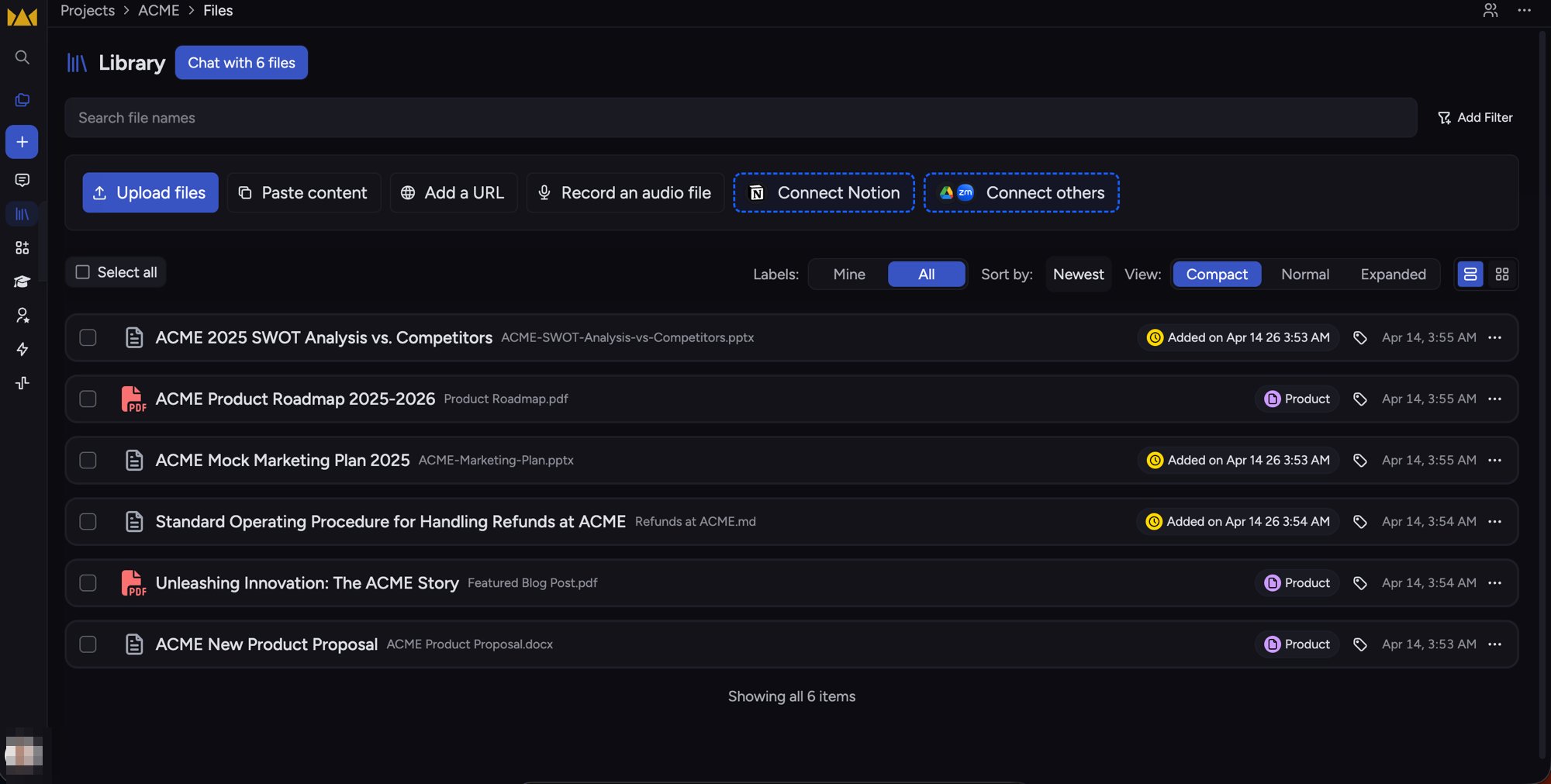
Assets are files in your Chief project knowledge base. The public API uses a three-step upload: mint an upload slot, `PUT` bytes to blob storage, then complete ingest on the server.
 ## Lifecycle overview
```mermaid theme={null}
sequenceDiagram
participant Client
participant API as Chief API
participant Blob as Blob storage
Client->>API: POST /v1/assets {filename, mime_type}
API-->>Client: asset_id, upload_url, headers
Client->>Blob: PUT file to upload_url
Client->>API: POST /v1/assets/{id}/complete
API-->>Client: status uploaded / ingesting / ready / failed
loop Until terminal status
Client->>API: GET /v1/assets/{id}
end
```
## Status values
| Status | Meaning |
| ----------- | ---------------------------------------------- |
| `uploaded` | Bytes are in storage; ingest not started |
| `ingesting` | Pipeline is processing the file |
| `ready` | Asset is available for chat scope and search |
| `failed` | Ingest failed; check error details if provided |
## Step 1 — Create upload slot
`POST /v1/assets` with `filename` and `mime_type`:
```bash theme={null}
curl -sS -X POST "$CHIEF_BASE_URL/v1/assets" \
-H "Content-Type: application/json" \
-H "X-API-Key: $CHIEF_API_KEY" \
-H "X-Project-Id: $CHIEF_PROJECT_ID" \
-d '{"filename": "ACME-Product-Roadmap.pdf", "mime_type": "application/pdf"}'
```
Example response:
```json theme={null}
{
"asset_id": "asset_d8aad64dib2c7m3ae7j1",
"upload_url": "https://...",
"upload_method": "PUT",
"upload_headers": { "Content-Type": "application/pdf", "x-ms-blob-type": "BlockBlob" },
"expires_at": "2026-05-23T11:00:00Z"
}
```
## Step 2 — Upload bytes
`PUT` the file to `upload_url`. Apply every header in `upload_headers` exactly as returned. The URL expires at `expires_at`.
```bash theme={null}
curl -sS -X PUT "$UPLOAD_URL" \
-H "Content-Type: application/pdf" \
-H "x-ms-blob-type: BlockBlob" \
--data-binary @ACME-Product-Roadmap.pdf
```
## Step 3 — Complete ingest
`POST /v1/assets/{id}/complete` with an empty body. The server reads size and MD5 from blob storage and starts ingest.
```bash theme={null}
curl -sS -X POST "$CHIEF_BASE_URL/v1/assets/$ASSET_ID/complete" \
-H "X-API-Key: $CHIEF_API_KEY" \
-H "X-Project-Id: $CHIEF_PROJECT_ID"
```
Poll `GET /v1/assets/{id}` until `status` is `ready` or `failed`.
## List assets
`GET /v1/assets` lists assets in the project with the same cursor pagination as chats (`after_id`, `before_id`, `limit`).
## Use assets in chats
After an asset is `ready`, pass its id in chat `scope.asset_ids` so the assistant can consult that file. See [Chats](/guides/chats).
## Labels
Attach labels with `POST /v1/assets/{id}/labels`. See [Labels](/guides/labels).
## Related endpoints
See the **API reference** tab under **Assets**, or [Introduction](/api-reference/introduction) for authentication headers.
## Lifecycle overview
```mermaid theme={null}
sequenceDiagram
participant Client
participant API as Chief API
participant Blob as Blob storage
Client->>API: POST /v1/assets {filename, mime_type}
API-->>Client: asset_id, upload_url, headers
Client->>Blob: PUT file to upload_url
Client->>API: POST /v1/assets/{id}/complete
API-->>Client: status uploaded / ingesting / ready / failed
loop Until terminal status
Client->>API: GET /v1/assets/{id}
end
```
## Status values
| Status | Meaning |
| ----------- | ---------------------------------------------- |
| `uploaded` | Bytes are in storage; ingest not started |
| `ingesting` | Pipeline is processing the file |
| `ready` | Asset is available for chat scope and search |
| `failed` | Ingest failed; check error details if provided |
## Step 1 — Create upload slot
`POST /v1/assets` with `filename` and `mime_type`:
```bash theme={null}
curl -sS -X POST "$CHIEF_BASE_URL/v1/assets" \
-H "Content-Type: application/json" \
-H "X-API-Key: $CHIEF_API_KEY" \
-H "X-Project-Id: $CHIEF_PROJECT_ID" \
-d '{"filename": "ACME-Product-Roadmap.pdf", "mime_type": "application/pdf"}'
```
Example response:
```json theme={null}
{
"asset_id": "asset_d8aad64dib2c7m3ae7j1",
"upload_url": "https://...",
"upload_method": "PUT",
"upload_headers": { "Content-Type": "application/pdf", "x-ms-blob-type": "BlockBlob" },
"expires_at": "2026-05-23T11:00:00Z"
}
```
## Step 2 — Upload bytes
`PUT` the file to `upload_url`. Apply every header in `upload_headers` exactly as returned. The URL expires at `expires_at`.
```bash theme={null}
curl -sS -X PUT "$UPLOAD_URL" \
-H "Content-Type: application/pdf" \
-H "x-ms-blob-type: BlockBlob" \
--data-binary @ACME-Product-Roadmap.pdf
```
## Step 3 — Complete ingest
`POST /v1/assets/{id}/complete` with an empty body. The server reads size and MD5 from blob storage and starts ingest.
```bash theme={null}
curl -sS -X POST "$CHIEF_BASE_URL/v1/assets/$ASSET_ID/complete" \
-H "X-API-Key: $CHIEF_API_KEY" \
-H "X-Project-Id: $CHIEF_PROJECT_ID"
```
Poll `GET /v1/assets/{id}` until `status` is `ready` or `failed`.
## List assets
`GET /v1/assets` lists assets in the project with the same cursor pagination as chats (`after_id`, `before_id`, `limit`).
## Use assets in chats
After an asset is `ready`, pass its id in chat `scope.asset_ids` so the assistant can consult that file. See [Chats](/guides/chats).
## Labels
Attach labels with `POST /v1/assets/{id}/labels`. See [Labels](/guides/labels).
## Related endpoints
See the **API reference** tab under **Assets**, or [Introduction](/api-reference/introduction) for authentication headers.