> ## Documentation Index
> Fetch the complete documentation index at: https://dev.chief.bot/llms.txt
> Use this file to discover all available pages before exploring further.
# Labels
> Create labels, list them, and attach labels to assets.
Labels organize assets and other knowledge in a project. The public API supports creating labels with optional display metadata and attaching them to assets by name or id.
## Create a label
`POST /v1/labels` mints a label in the focused project:
```json theme={null}
{
"name": "product",
"color": "#3b82f6",
"icon": "rocket"
}
```
`color` and `icon` are optional. Use this when you want display metadata before attaching.
Response (`201`):
```json theme={null}
{
"label_id": "label_d8aad64dib2c7m3ae7k0",
"name": "product"
}
```
## List labels
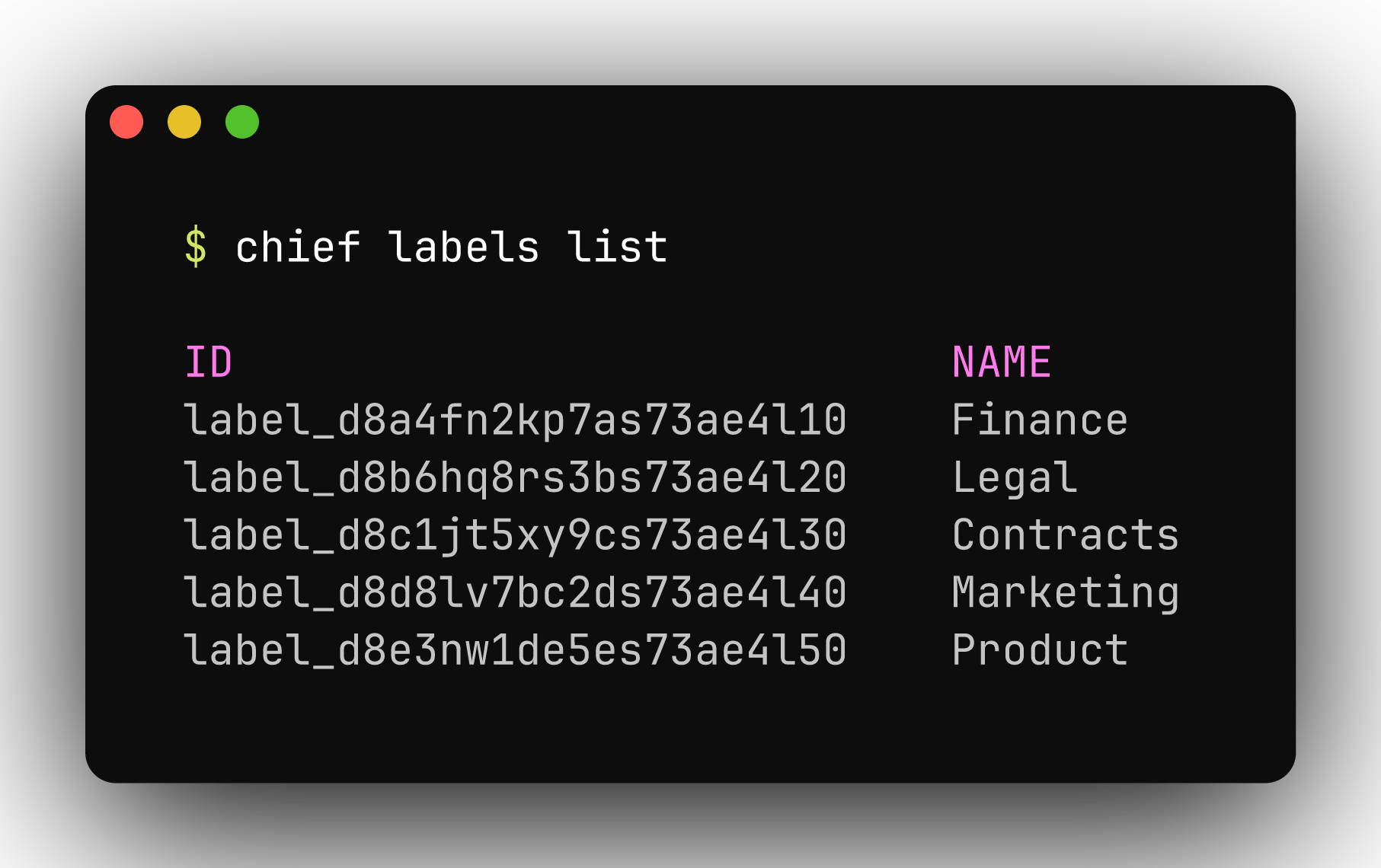
`GET /v1/labels` returns every label in the project. Pagination fields match other list endpoints, but `has_more` is always `false` in v1 because the per-project label cap bounds the list.
 ## Attach a label to an asset
`POST /v1/assets/{id}/labels` resolves a label by **name** within the project:
```json theme={null}
{ "label_name": "product" }
```
If no label exists with that name, the API creates a bare label (no color or icon) and attaches it. Re-sending the same `label_name` is idempotent.
Response (`201`):
```json theme={null}
{
"label_id": "label_d8aad64dib2c7m3ae7k0",
"name": "product"
}
```
## Use labels in chats
Pass label ids in `scope.label_ids` on `POST /v1/chats` or `POST /v1/chats/{id}/messages` to expand associated assets and concepts into the assistant's context. See [Chats](/guides/chats).
## Related endpoints
See the **API reference** tab under **Labels** and **Assets** (attach label).
## Attach a label to an asset
`POST /v1/assets/{id}/labels` resolves a label by **name** within the project:
```json theme={null}
{ "label_name": "product" }
```
If no label exists with that name, the API creates a bare label (no color or icon) and attaches it. Re-sending the same `label_name` is idempotent.
Response (`201`):
```json theme={null}
{
"label_id": "label_d8aad64dib2c7m3ae7k0",
"name": "product"
}
```
## Use labels in chats
Pass label ids in `scope.label_ids` on `POST /v1/chats` or `POST /v1/chats/{id}/messages` to expand associated assets and concepts into the assistant's context. See [Chats](/guides/chats).
## Related endpoints
See the **API reference** tab under **Labels** and **Assets** (attach label).