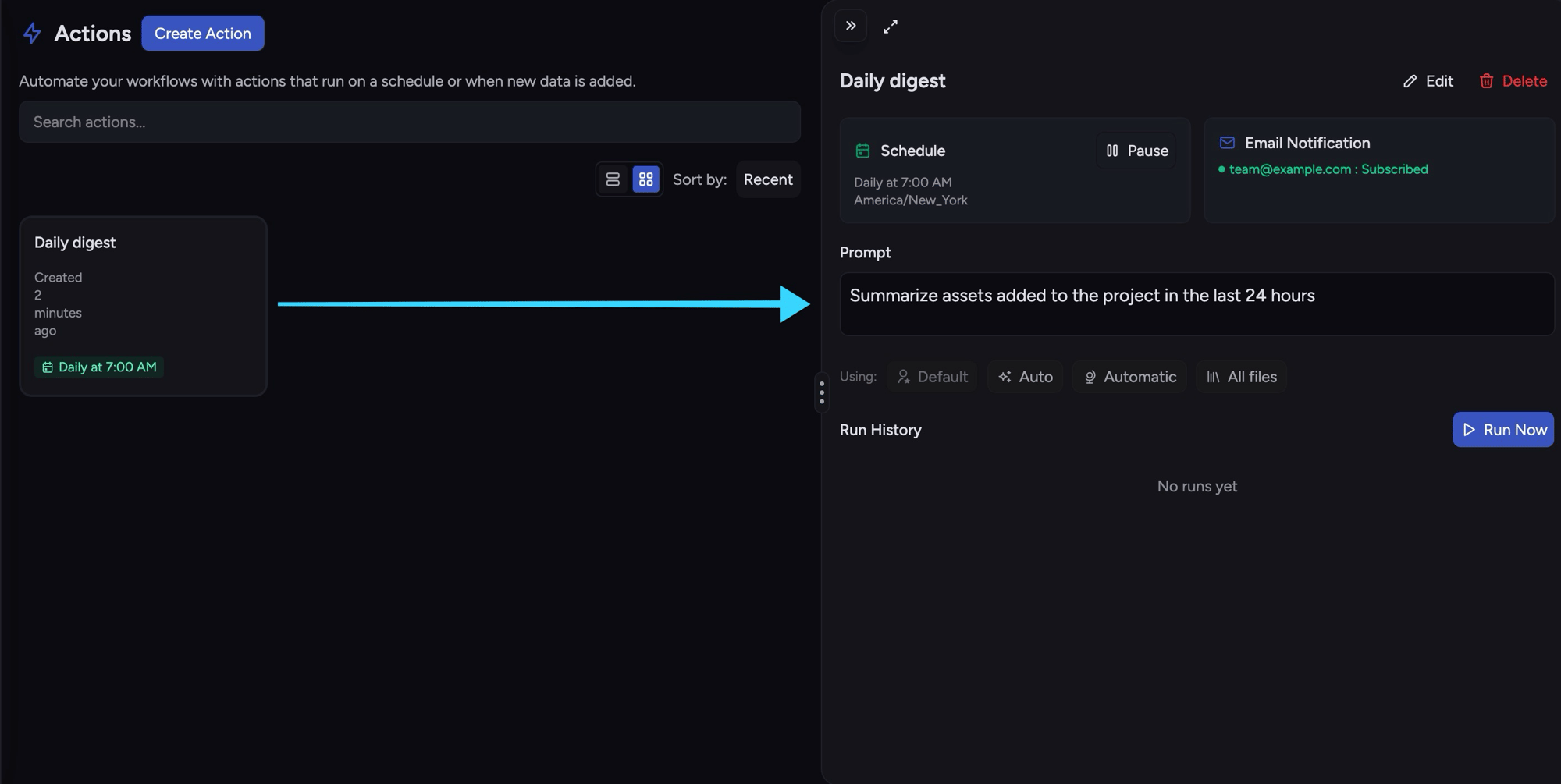
Actions turn a prompt you’d otherwise run by hand into automation Chief runs for you. Instead of remembering to ask “what landed this week?” every Monday, an action asks it on a schedule and emails you the answer. Instead of triaging uploads as they arrive, an action does it the moment a file lands. The work happens on Chief’s side — there’s no cron server, queue, or worker for you to operate. An action pairs a prompt with when it runs (a schedule or a trigger) and, optionally, what to do with the result (email it). It runs against your project’s knowledge, just like a chat.
The Chief web app Actions view showing a Daily digest action with its 7:00 AM schedule, email notification, prompt, and run history

Anatomy of an action

Every action has a name and a prompt, plus exactly one of:
  • a schedule — run on a cron-like clock (e.g. every day at 07:00), or
  • a trigger — run when new content lands in the project.
Optionally, an action carries a scope (which knowledge it may consult) and an email outcome (who receives the result). Create an action and it starts enabled.

Create a scheduled action

A schedule runs the prompt on a clock. The schedule is four fields — hour, weekday, month_day, and timezone — where * matches every value.
curl -sS -X POST "$CHIEF_BASE_URL/v1/actions" \
  -H "Content-Type: application/json" \
  -H "X-API-Key: $CHIEF_API_KEY" \
  -H "X-Project-Id: $CHIEF_PROJECT_ID" \
  -d '{
    "name": "Daily digest",
    "prompt": "Summarize assets added to the project in 5 bullet points",
    "schedule": {
      "hour": "7",
      "weekday": "*",
      "month_day": "*",
      "timezone": "America/New_York"
    },
    "email": {
      "to": ["team@example.com"],
      "subject": "ACME daily digest"
    }
  }'
schedule.weekday is * (every day) or a lowercase day name (monday..sunday). Omit --weekday on the CLI to match "weekday": "*". Cron-style ranges such as 1-5 are not supported.
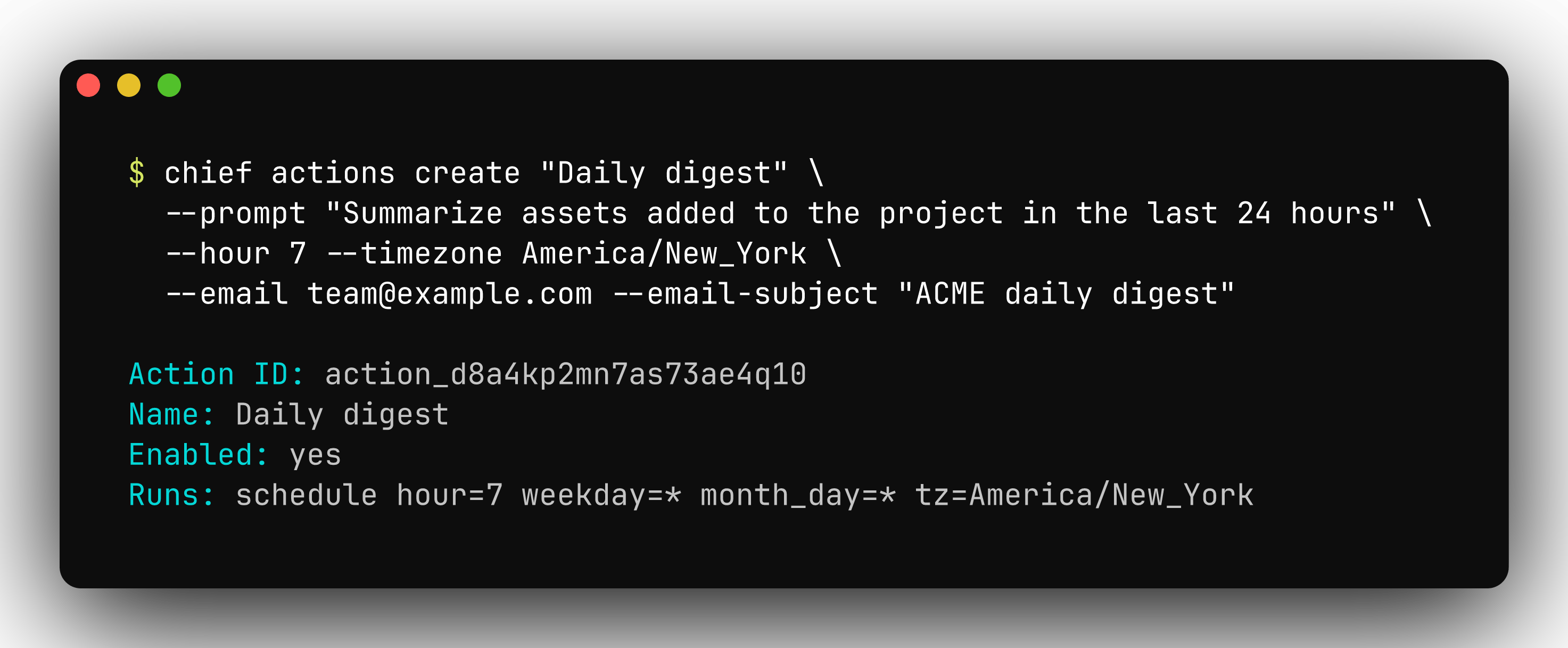
chief actions create scheduling a daily digest action and printing the new action id, name, enabled status, and schedule
Response (201):
{
  "action_id": "action_d8aad64dib2c7m3ae7m0",
  "name": "Daily digest",
  "prompt": "Summarize assets added to the project in 5 bullet points",
  "schedule": { "hour": "7", "weekday": "*", "month_day": "*", "timezone": "America/New_York" },
  "email": { "to": ["team@example.com"], "subject": "ACME daily digest" },
  "enabled": true,
  "created_at": "2026-05-23T10:15:30Z",
  "modified_at": "2026-05-23T10:15:30Z"
}

Create a trigger action

A trigger runs the prompt when content lands instead of on a clock. kind is new (the run is scoped to just the added asset) or all (the run uses the action’s full scope). A trigger is mutually exclusive with a schedule — send one or the other.
curl -sS -X POST "$CHIEF_BASE_URL/v1/actions" \
  -H "Content-Type: application/json" \
  -H "X-API-Key: $CHIEF_API_KEY" \
  -H "X-Project-Id: $CHIEF_PROJECT_ID" \
  -d '{
    "name": "Triage incoming",
    "prompt": "Classify this document and attach the right label",
    "trigger": { "kind": "new" },
    "scope": { "label_ids": ["label_d8aad64dib2c7m3ae7k0"] }
  }'

Scope

scope bounds the knowledge a run may consult. For actions, only asset_ids, label_ids, concept_ids, and view_ids apply. Tenancy always comes from X-Project-Id — scope narrows within the project, it doesn’t cross projects. Leave scope off to let the run use the whole project.

The email outcome

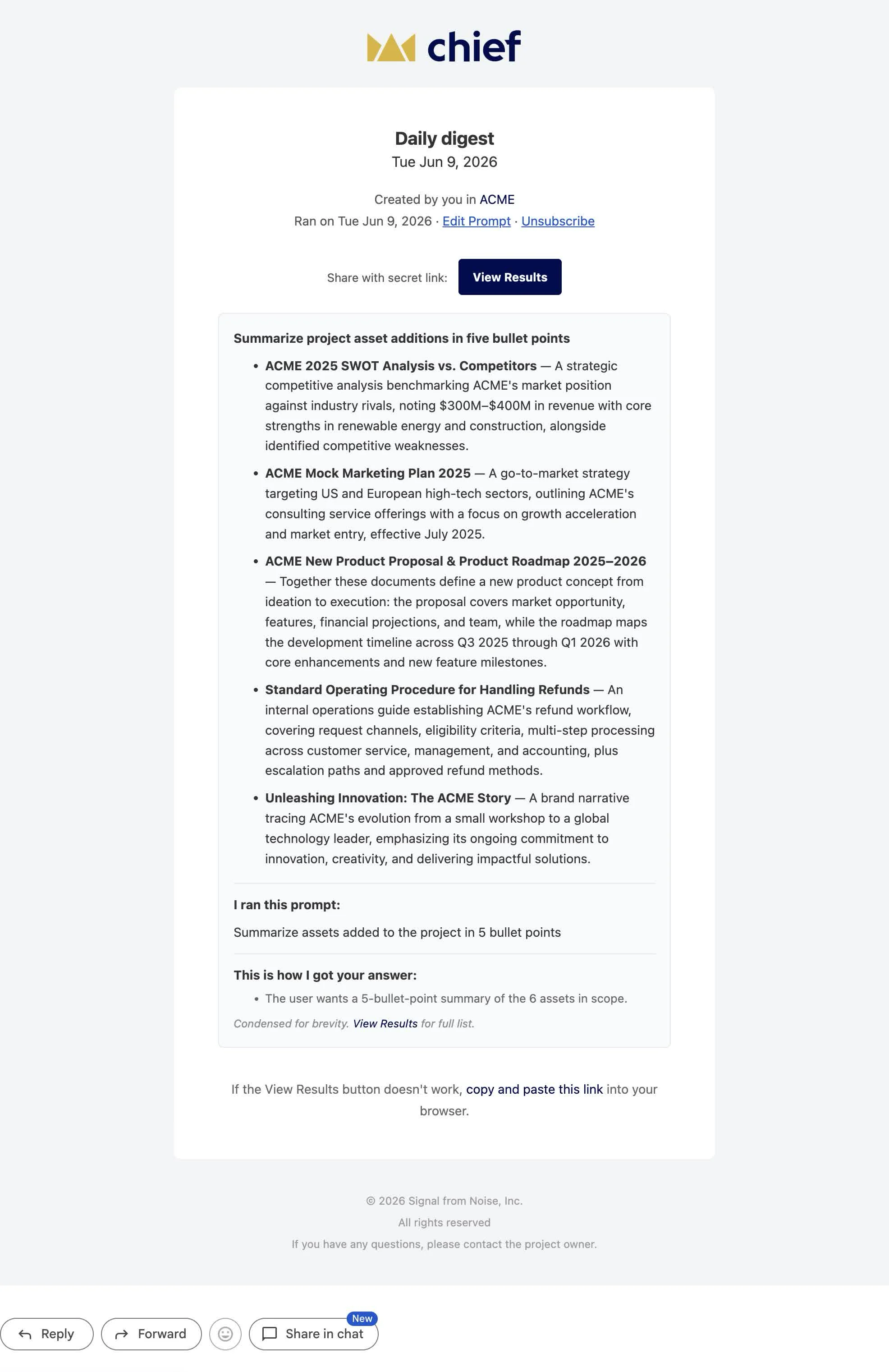
Add an email outcome and Chief sends the run’s result when it completes. to is a list of recipients; subject is optional. Set include_date_in_subject to append the completion timestamp (in the schedule’s timezone) to the subject line.
{
  "email": {
    "to": ["team@example.com", "lead@example.com"],
    "subject": "ACME daily digest",
    "include_date_in_subject": true
  }
}
A Chief daily digest email summarizing new ACME project uploads in five bullet points, with a View Results button

Enable, disable, and update

A new action starts enabled. Pause one without deleting it, then resume it later:
curl -sS -X POST "$CHIEF_BASE_URL/v1/actions/$ACTION_ID/disable" \
  -H "X-API-Key: $CHIEF_API_KEY" \
  -H "X-Project-Id: $CHIEF_PROJECT_ID"

curl -sS -X POST "$CHIEF_BASE_URL/v1/actions/$ACTION_ID/enable" \
  -H "X-API-Key: $CHIEF_API_KEY" \
  -H "X-Project-Id: $CHIEF_PROJECT_ID"
Updating an action replaces it wholesale. POST /v1/actions/{id} (and chief actions update) overwrite every field — any schedule, trigger, scope, or email you don’t resend is cleared. Send the full desired state, not a partial patch.

List actions

GET /v1/actions returns the project’s actions, newest first, in the standard list envelope (data, first_id, last_id, has_more). The per-project action count is bounded, so has_more is always false today.
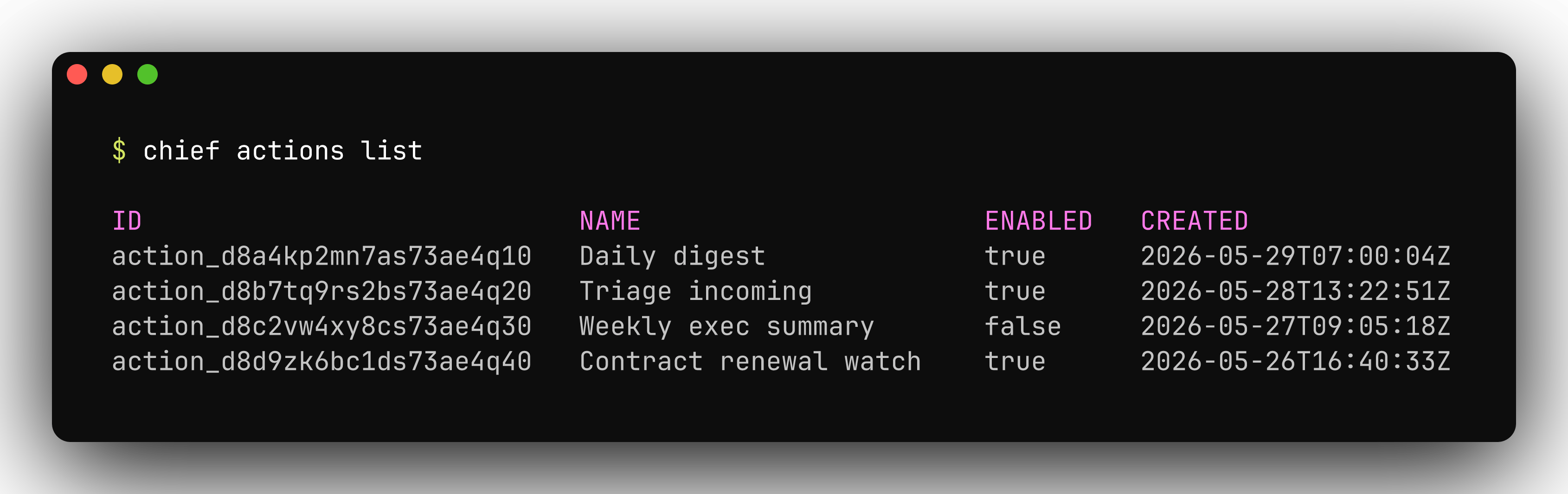
chief actions list
chief actions list showing scheduled actions with their cron schedules and enabled status
See the API reference tab under Actions for the full request and response schemas, or What you can build for where actions fit among the things you can ship.