

Add “ask your knowledge base” to your app
Ship a Q&A feature without building retrieval yourself. Point a chat at the assets in your project and Chief answers from them — no embeddings, no vector store, no pipeline to run. Start a chat over REST, poll for the answer, and return it to your user.chat_id and message_id immediately; poll
GET /v1/chats/{chat_id}/messages/{message_id} until the response field appears. See the
Chats guide for the full poll loop, or the Quickstart for an
end-to-end walkthrough.
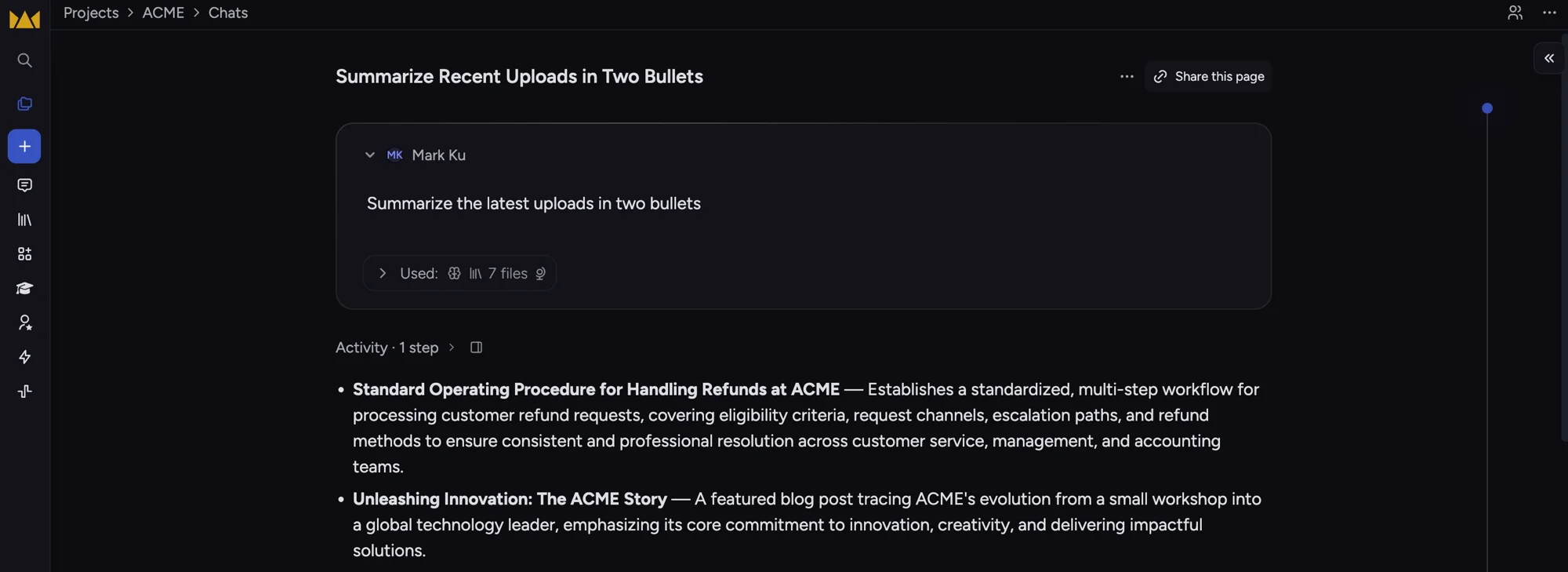
The kind of grounded, cited answer your users get back — here, two bullets summarizing the latest ACME uploads.
Email your team a daily digest
Standing reports, no cron server. An action runs a prompt on a schedule and emails the result. Schedule one every morning to summarize what landed in the project overnight — Chief runs it and sends the email; you maintain nothing.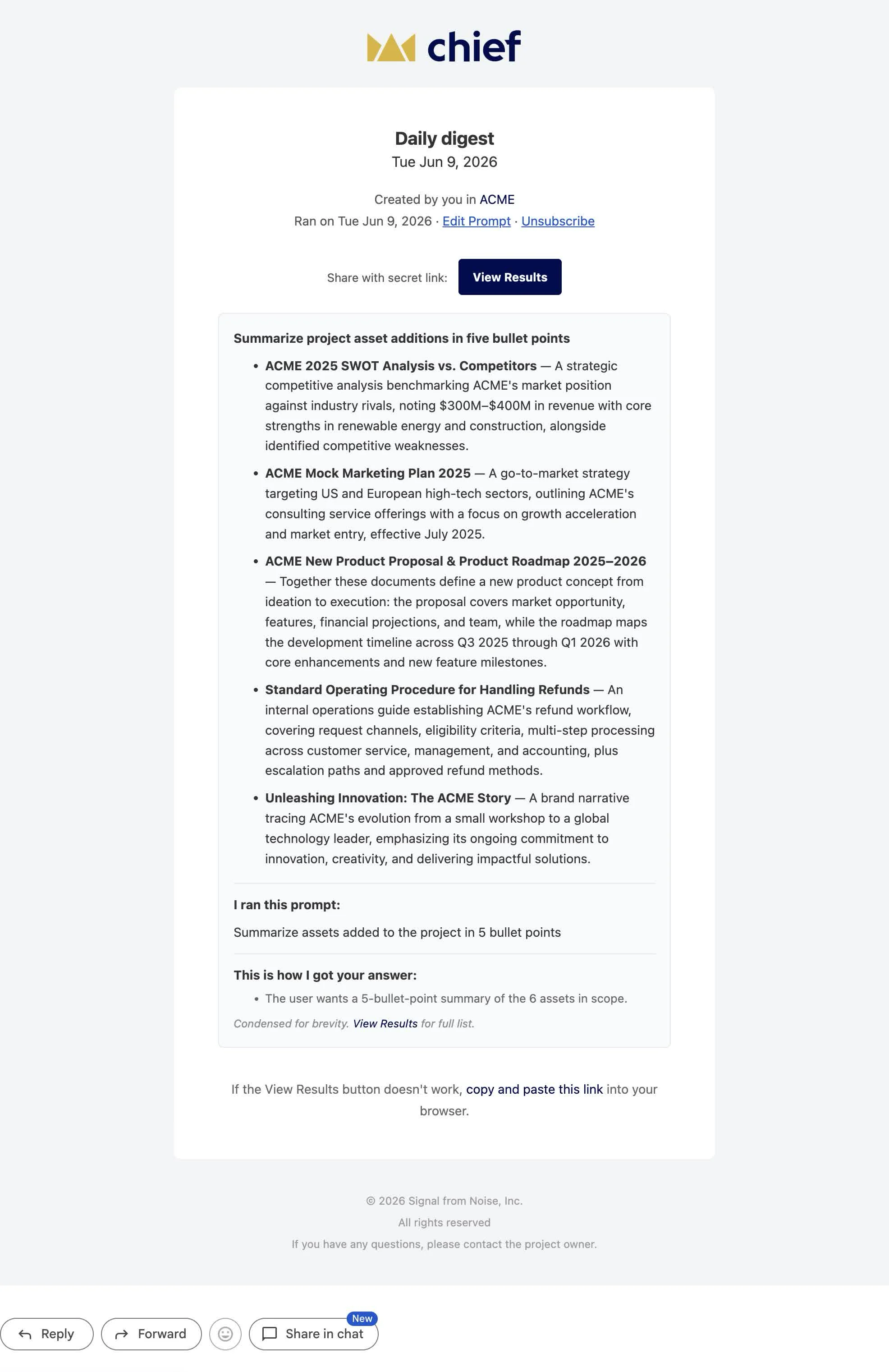
What lands in your inbox: a five-bullet summary of the day's new uploads.
schedule plus an email outcome — see the
Actions guide.
Keep a folder of docs in sync
Your repo’s docs, always searchable in Chief. Add one step to CI that uploads your docs directory; content-identical files are skipped server-side, so re-runs are cheap. Everything stays current and ready to query.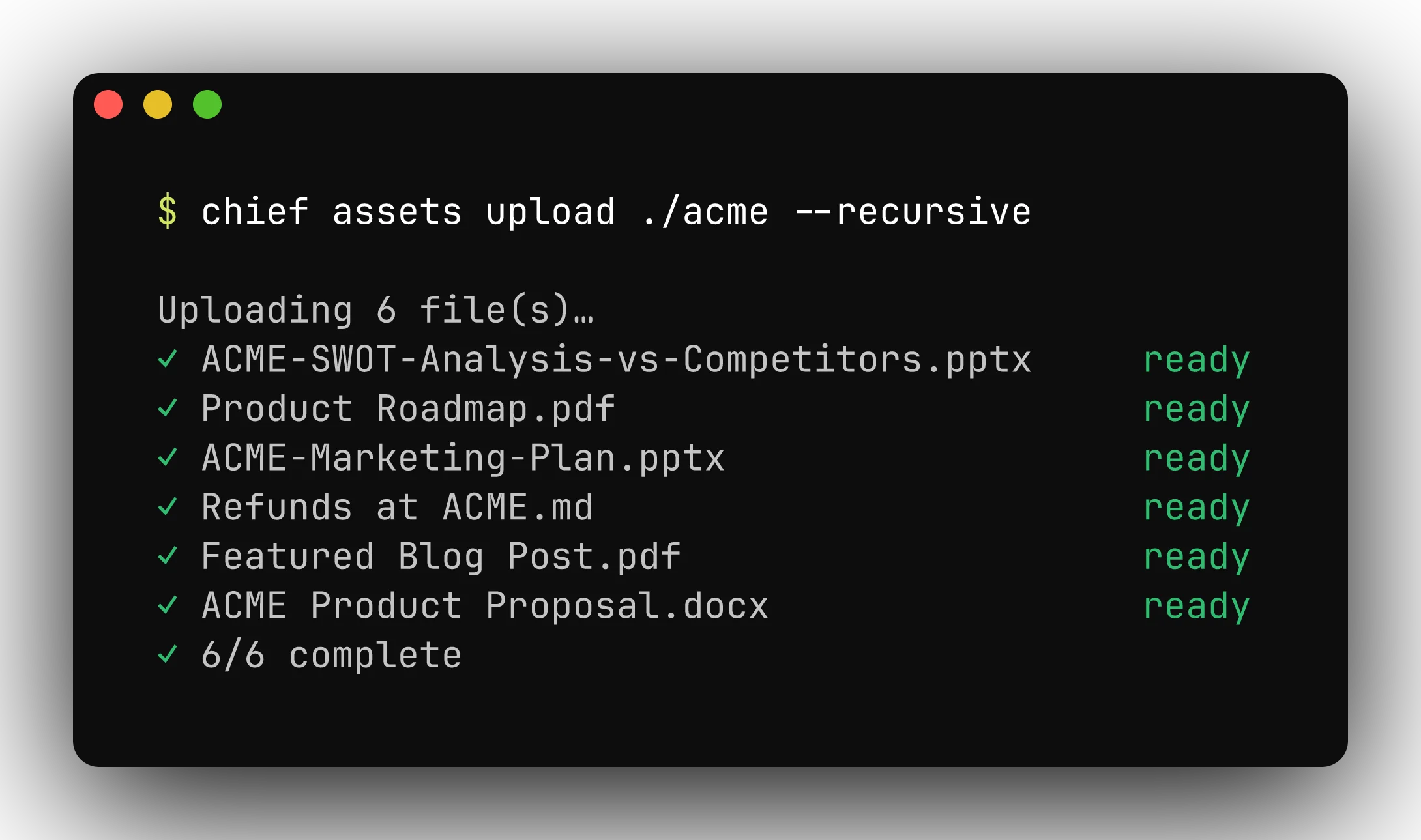
Uploads run in parallel, skip content-identical files, and wait for ingest by default.
Give your coding agent your project’s context
Claude Code answers from your project, not just your code. Connect your agent to Chief over MCP and it can read everything your team has uploaded — ask it to summarize a document, pull themes across the project, or draft from your team’s own material, right in your editor.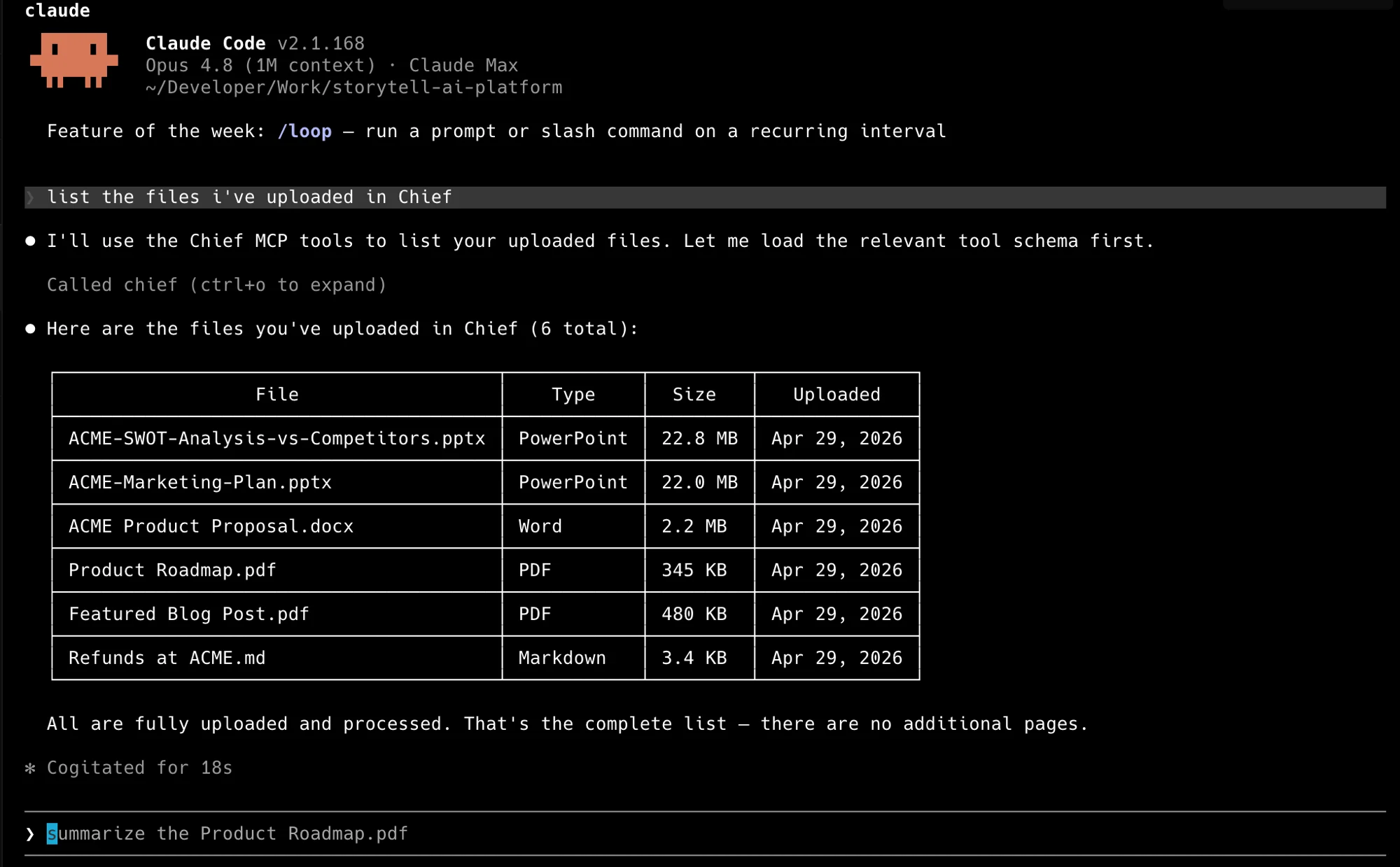
Claude Code reading a project's files through the Chief MCP tools.
Tag and route new uploads automatically
Triage that happens the moment a file lands. A trigger action fires on new assets instead of on a clock — use it to label and route incoming documents so your project stays organized without anyone watching it.--trigger new instead of a schedule. Pair it with
labels to organize what it routes. See the Actions guide
for triggers, scope, and the enable/disable lifecycle.
Where to go next
Quickstart
Zero to a chat response with plain
curl.Actions guide
Schedule and trigger automations, with an email outcome.
MCP server
Connect Claude Code, Cursor, or Codex to your project.
API reference
Every endpoint, with an interactive playground.