

Create a label
POST /v1/labels mints a label in the focused project:
color and icon are optional. Use this when you want display metadata before attaching.
Response (201):
List labels
GET /v1/labels returns every label in the project. Pagination fields match other list endpoints, but has_more is always false in v1 because the per-project label cap bounds the list.
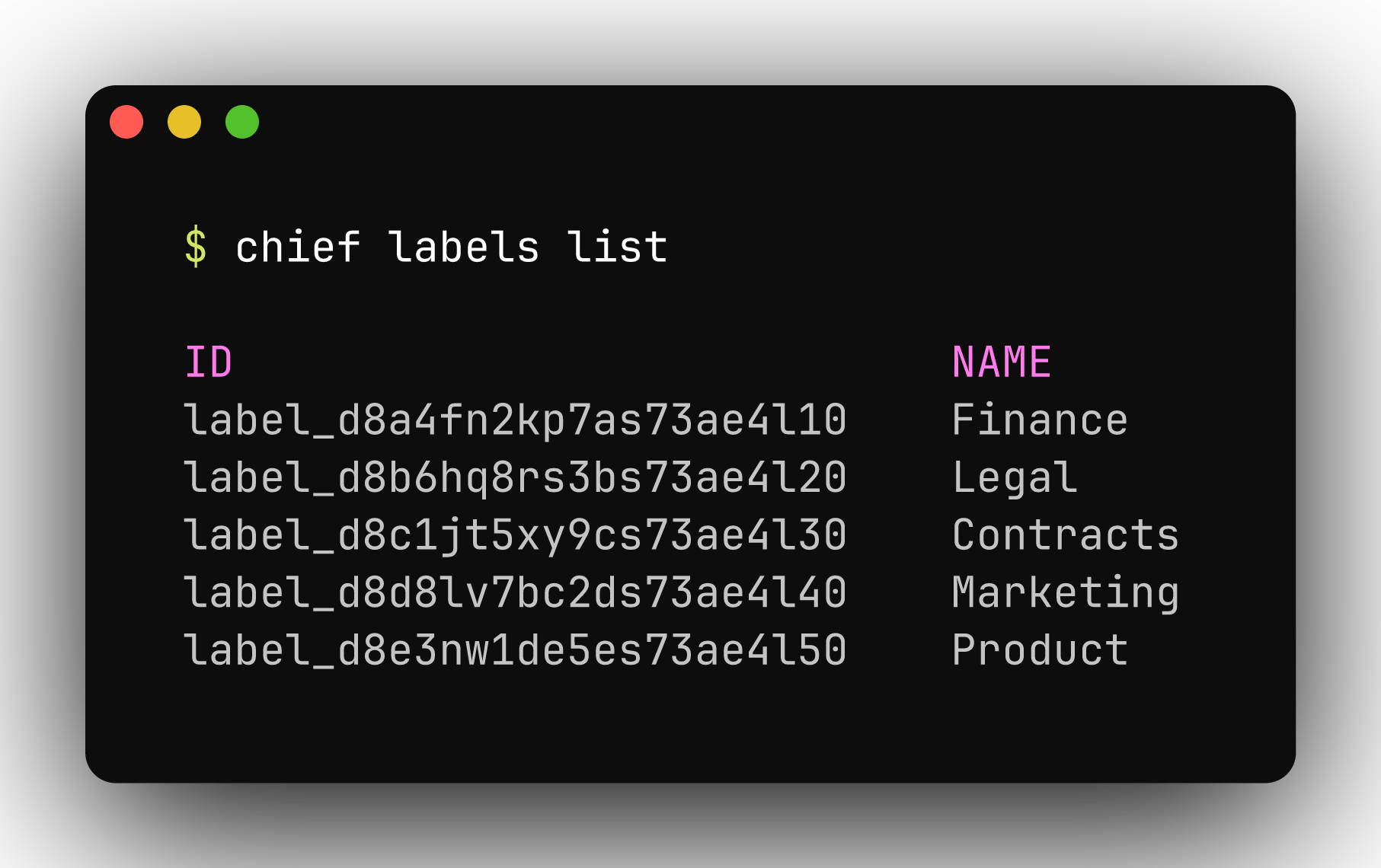
chief labels list shows every label in the project.
Attach a label to an asset
POST /v1/assets/{id}/labels resolves a label by name within the project:
label_name is idempotent.
Response (201):
Use labels in chats
Pass label ids inscope.label_ids on POST /v1/chats or POST /v1/chats/{id}/messages to expand associated assets and concepts into the assistant’s context. See Chats.